Youtube has slowly become a channel for acquiring new knowledge, but with limited time and infinite information, knowing how to quickly and efficiently absorb knowledge can accelerate our progress. There are many different videos on Youtube, and usually, there are some situations where you might want to speed up the video playback speed, such as:
- The speaking speed in the video is too slow
- The video is a scenery live stream, and you want to quickly navigate through the scenes
Increasing the video playback speed allows video information to enter our brains quickly. When encountering more important segments, simply slow down and replay them. This can quickly increase the speed at which we acquire information.
Life should be wasted on other more worthwhile things, not on slow video playback speeds.
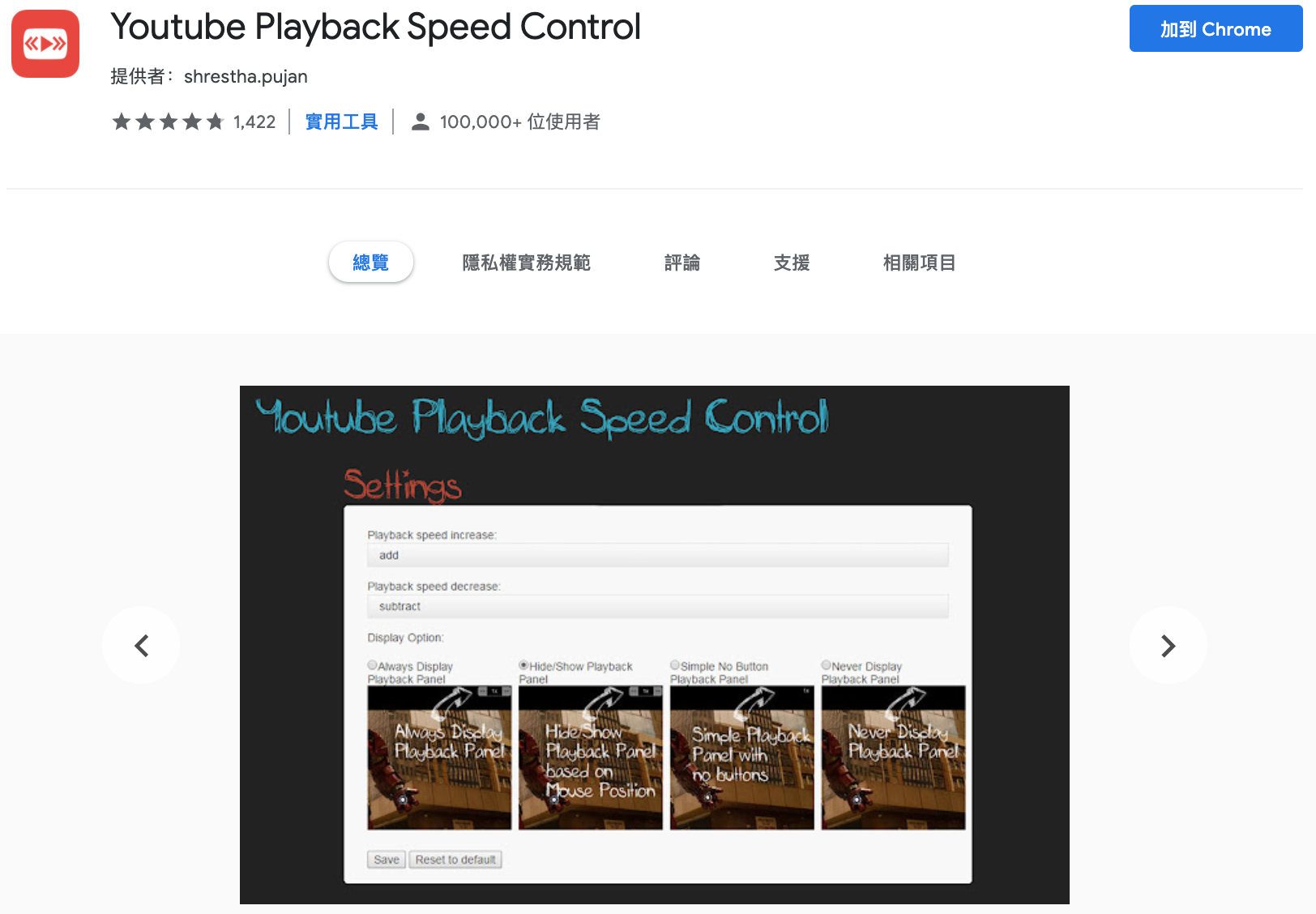
Youtube itself provides the function to increase video playback speed up to 2x, but some videos still feel too slow at 2x. You can use the Chrome extension “Youtube Playback Speed Control” to increase the video playback speed to more than 2x.
Here, I will use “TRA 421 TEMU1000 Taroko Express Taitung - Hualien - Taipei GPS Parameters Journey View” as a test to let us quickly take the train from Taitung to Taipei.
After downloading and installing, go to any Youtube video, and you will see a small tool for increasing video speed in the upper right corner of the video. The total time of this video is 3:39:26. If you have free time, you can also use 1x speed to slowly wander from Taitung to Taipei, but if you are like me and simply curious about the railway scenery from Taitung to Taipei, you would want to speed up the video.
If we use Youtube’s default video acceleration tool’s maximum speed of 2x, we still have to spend about 1:49:00 to successfully take the train from Taitung to Taipei.
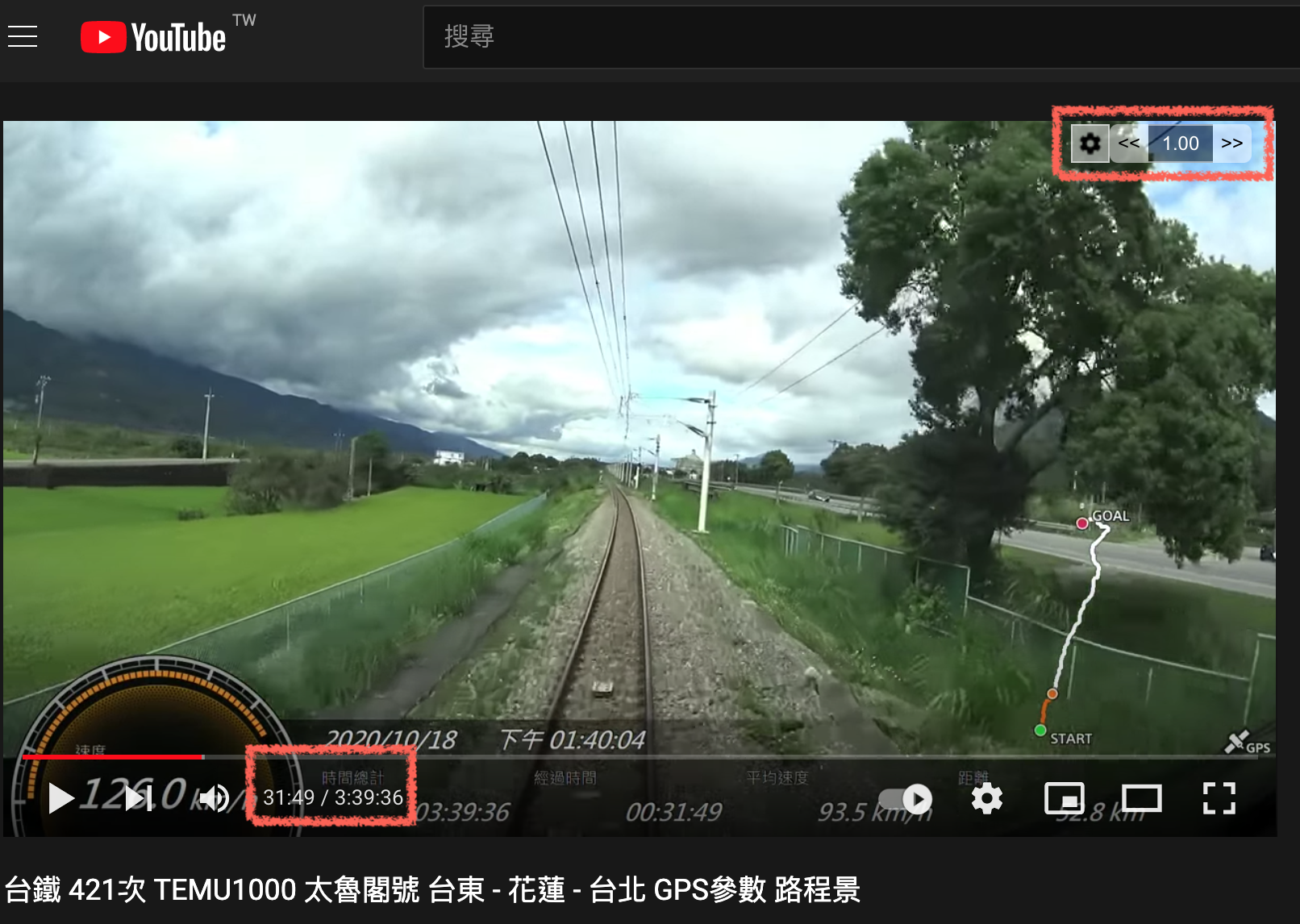
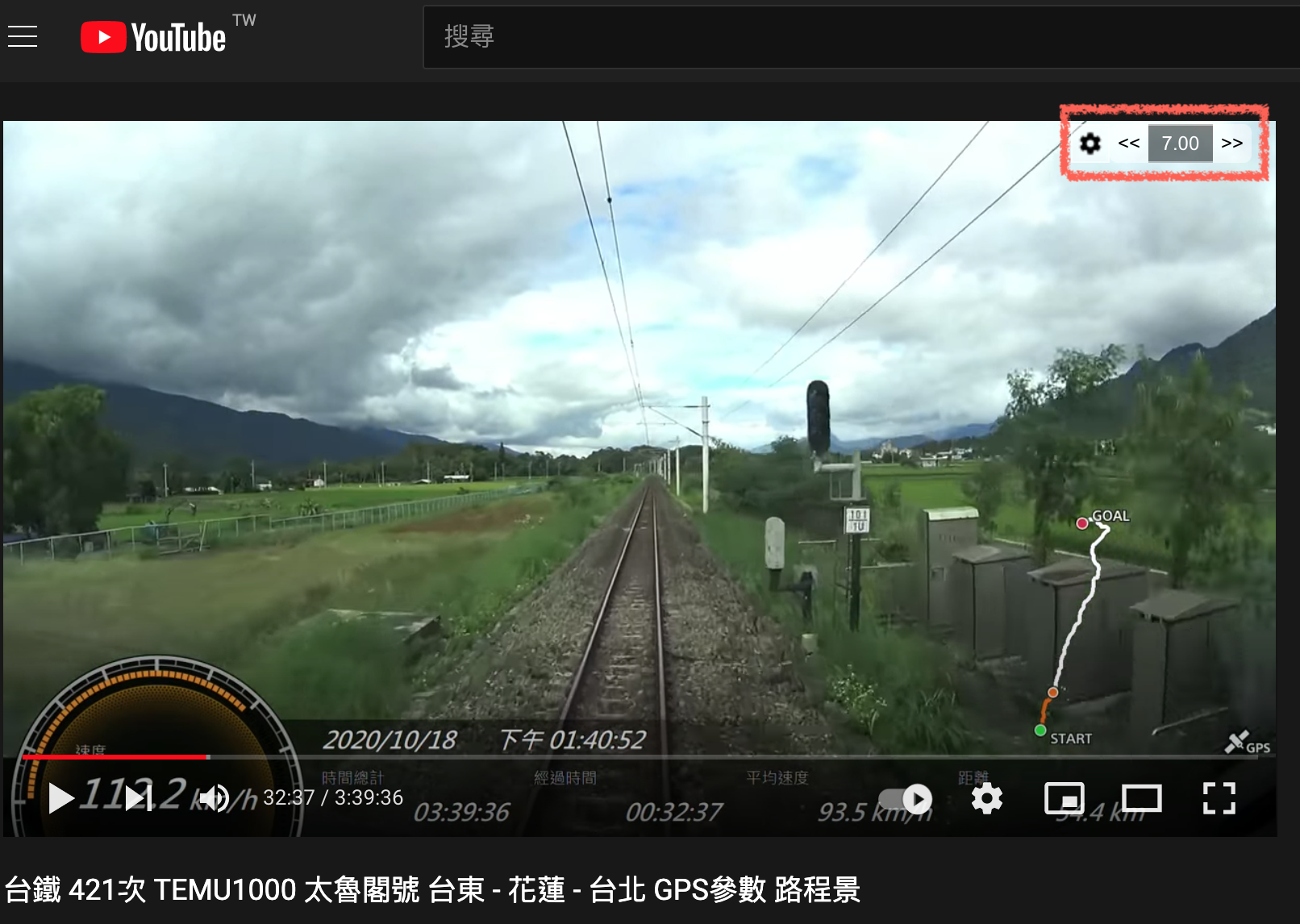
If you use Youtube Playback Speed Control, you can adjust the speed to 7x. This way, you can take the train from Taitung to Taipei in just 31 minutes. Compared to the 1:18:00 time at 2x speed, you can waste that saved time on more worthwhile things.
In this era of information explosion, we need to be better at using tools to improve our efficiency in absorbing information. I recommend this nice Youtube playback acceleration tool to everyone.